Archelo/Local authorities and planning
Review permit applications with the regulations and the documents to hand.
Archelo organises the documents of each application, checks them against the regulations and helps you prepare the technical report with its sources.
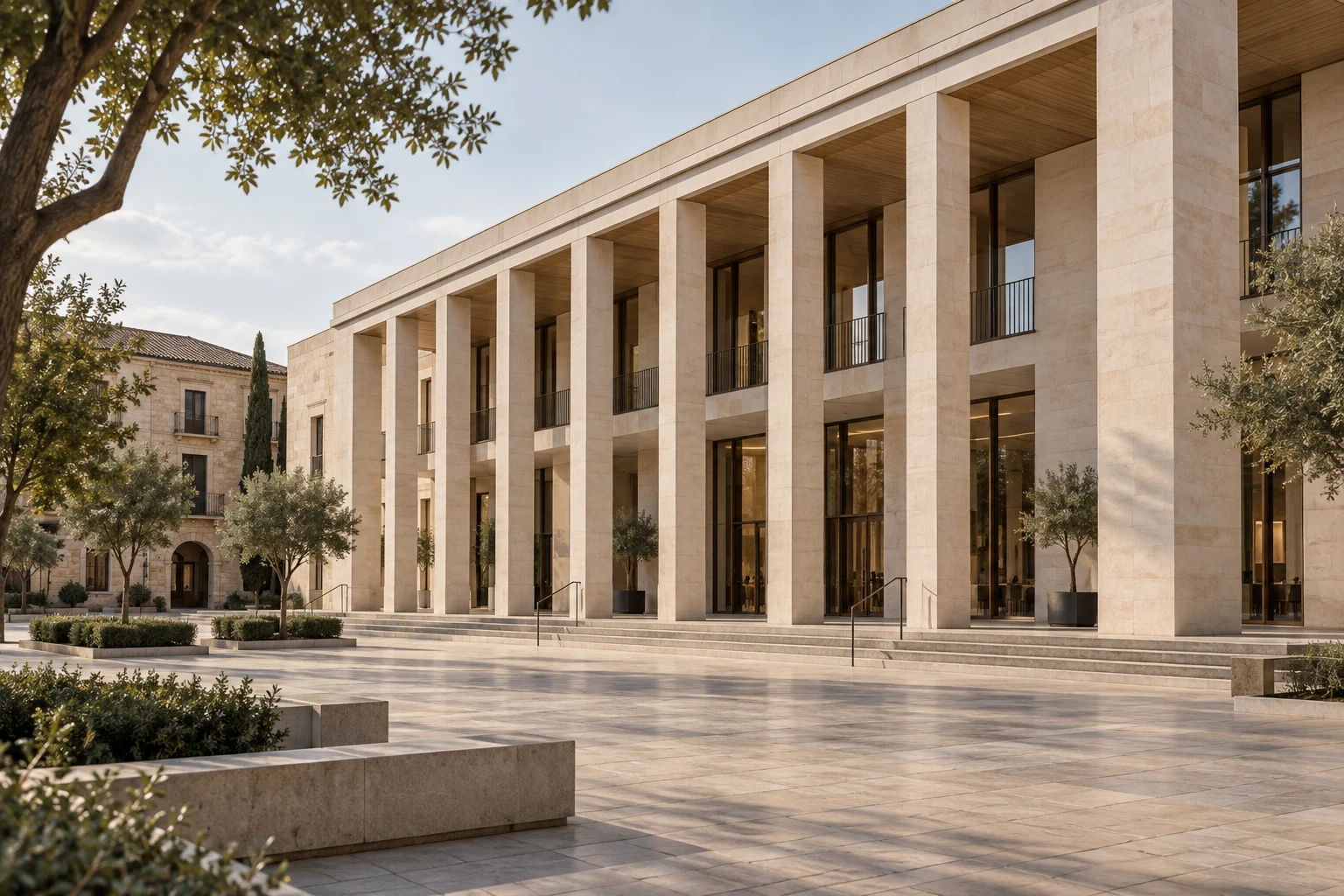
All the documents of an application, in one place.
Bring together submitted documents, findings and review status. See what is resolved and what needs another submission.
Explore application review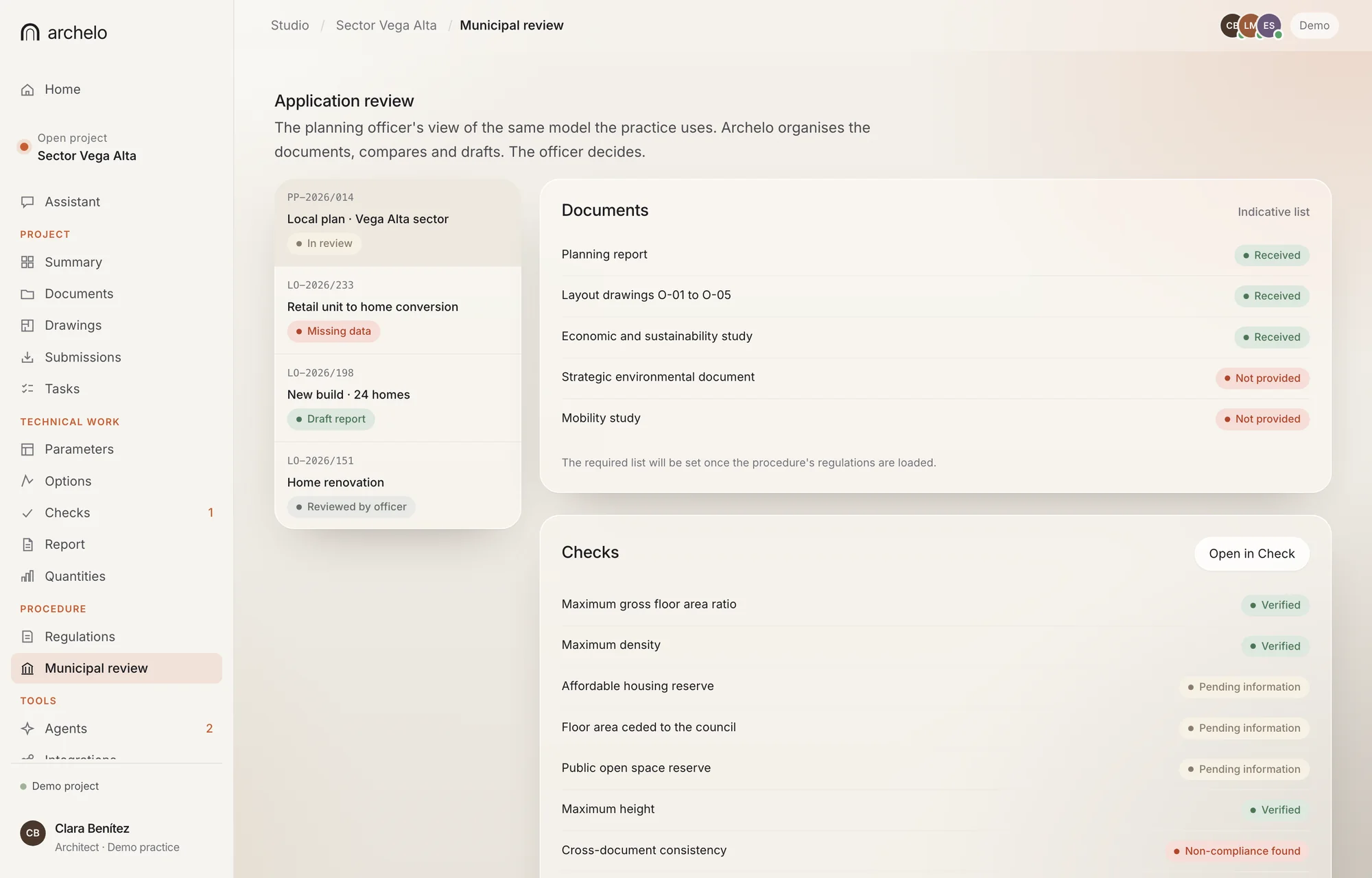
Real app view · Demo case
How Archelo helps review a permit.
A report, several drawings, rules from different authorities and successive versions, connected so the team can focus on what needs judgement.
- 01 / Organise
Organise the documents.
Classify documents, identify versions and flag gaps against the approved checklist for each procedure.
- 02 / Verify
Check the regulations.
Link the proposal to the applicable plan and regulations, showing what each check relies on and where data is missing.
- 03 / Prepare
Prepare reports and requests.
Structure findings and draft reports that reference the affected document, drawing or requirement.
- 04 / Follow up
Follow up resubmissions.
Compare the documents submitted after a resubmission and keep the full history of comments.
How an application is reviewed.
A fictional change-of-use application. Walk through the review stages without uploading real documents.
01 / Documents
Which documents arrived and which are missing.
Document list of the example application. The gaps are part of the example.
- Project reportReceived
- Existing planReceived
- Proposed planReceived
- Section with clear heightsNot submitted
Next step: confirm the list of documents required for this procedure and municipality.
02 / Checks
Which requirements are met and which remain to be checked.
Questions to verify. No live regulations are consulted in this example.
- Use compatibilityTo verify
- HabitabilityMissing data
- Daylight and ventilationMissing data
- Accessibility and safetyPending
Without an address, current sources and confirmed geometry, compliance cannot be concluded.
03 / Report
Where each finding is and which document it affects.
How a finding is presented for the reviewer.
- Affected documentDrawings
- Missing informationClear heights
- Regulatory referenceUndetermined
- Report statusDraft
Sample comment: clear heights are needed to continue the check. This is not a formal administrative request.
04 / Follow-up
What changed in the new submission.
A new submission shows which findings remain open.
- Latest versionExample V1
- Additional documentsNot received
- Technical validationNot done
- Administrative decisionNo decision
Archelo supports the review and report. The decision belongs to the authority.
Interface simulation. It does not query regulations, process applications or grant permits.
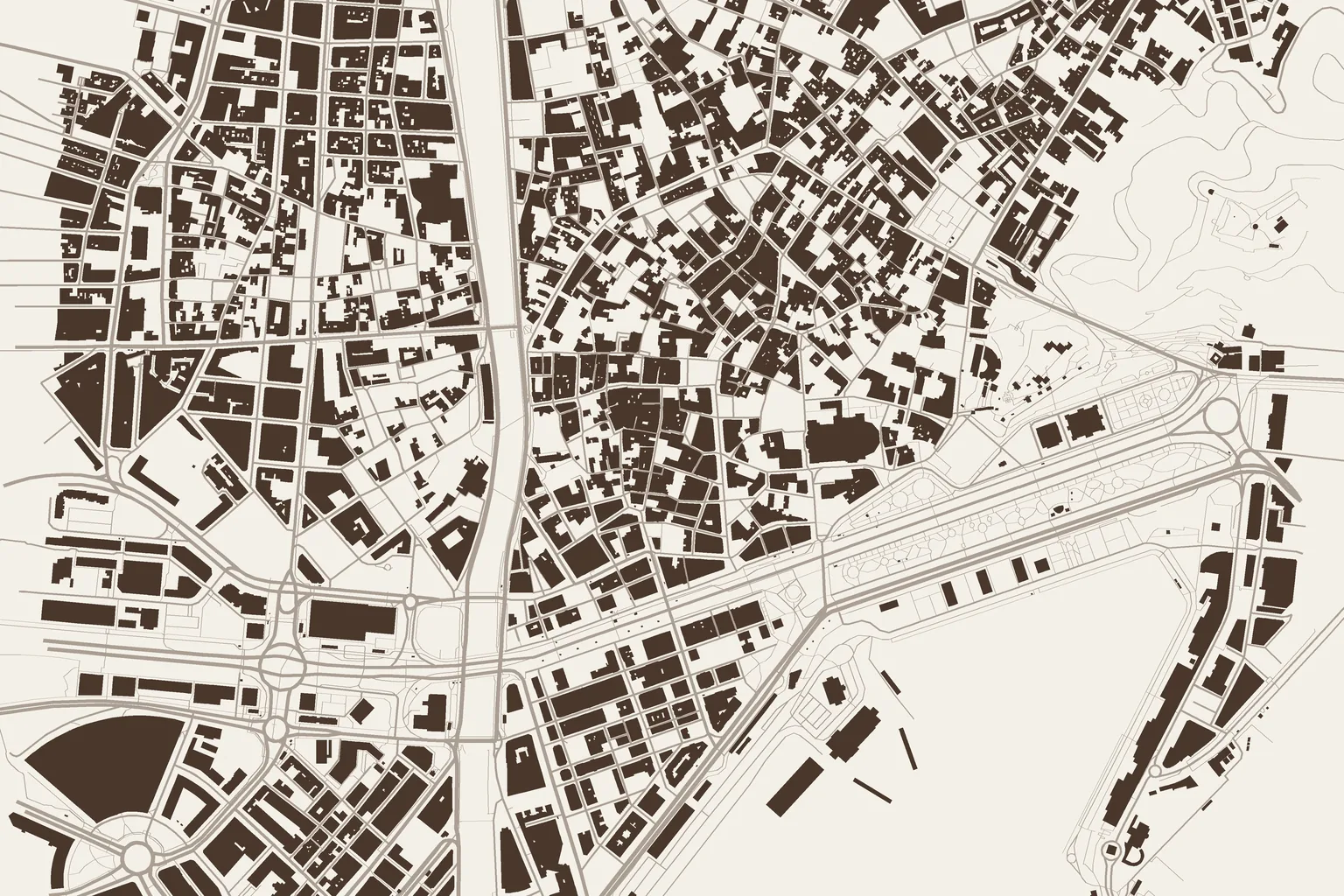
05 — Beyond the permit
Check what the plan allows on each plot.
- Planning enquiriesUses and parameters linked to planning instruments, their scope and version.
- Plot and area analysisConstraints, floor area, alignments, coverage and facilities still to be verified.
- Development optionsBriefs, phases and urban solutions with their constraints and assumptions.
Archelo prepares the review. The municipal officer decides.
Judgement
Officers review and validate every output. The authority keeps full responsibility for each decision.
Deployment
Each deployment defines regulatory coverage, document access, traceability and connection to existing case management systems.
Measurement
The pilot measures review time, findings and resubmission cycles. Shorter timescales are demonstrated on real cases.
Pilot programme
Try Archelo on a real application.
We are looking for municipal teams and planning specialists for a pilot focused on one procedure and one jurisdiction.