Archelo/Quantities and costs
Know what each design decision costs.
Organise quantities, break down cost items and compare rates. Know the expected cost and how it moves when the design changes.
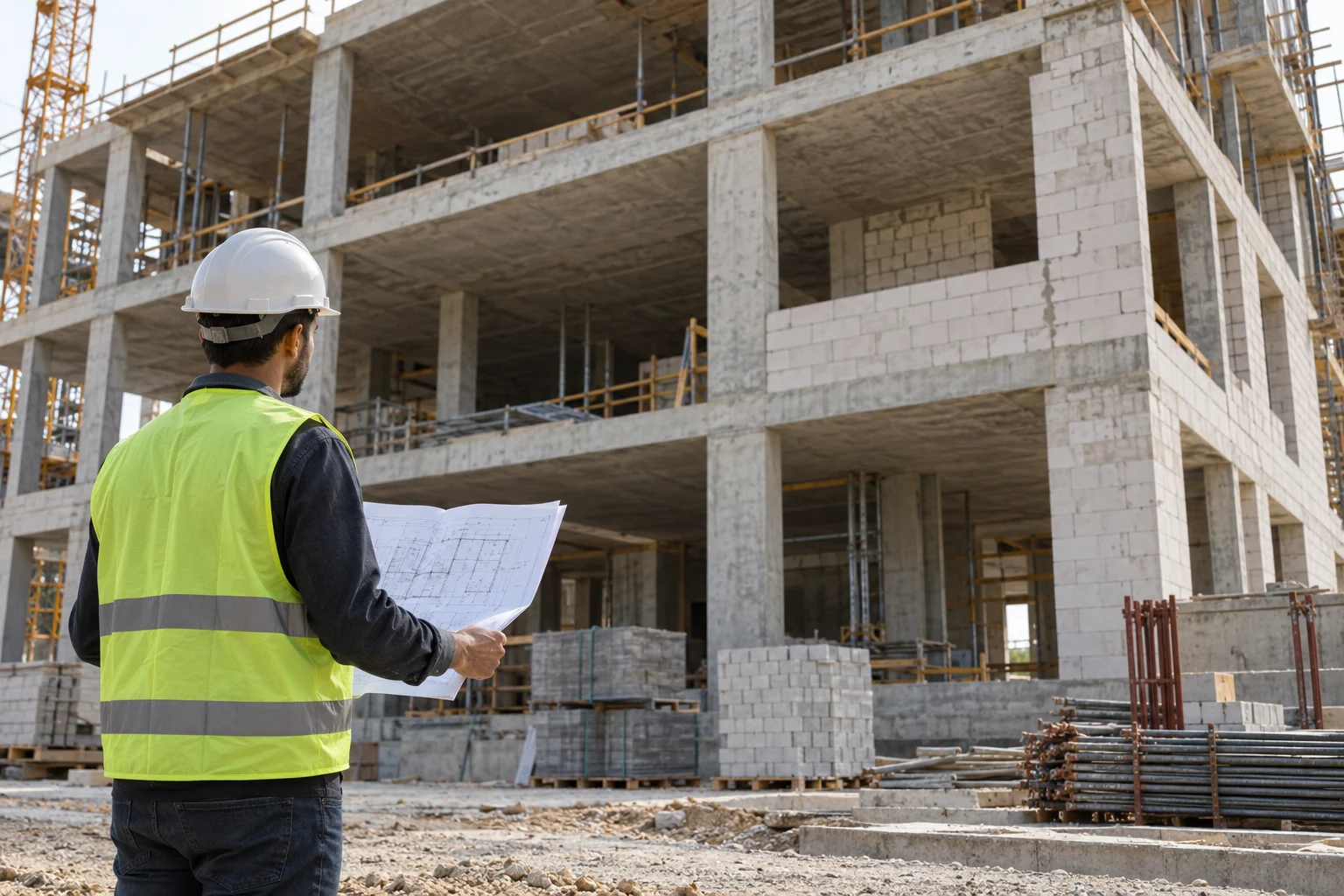
Compare the options in euros too.
Review quantities and rates for each item. Change an option and watch the total and the cost per home respond.
Explore the cost estimate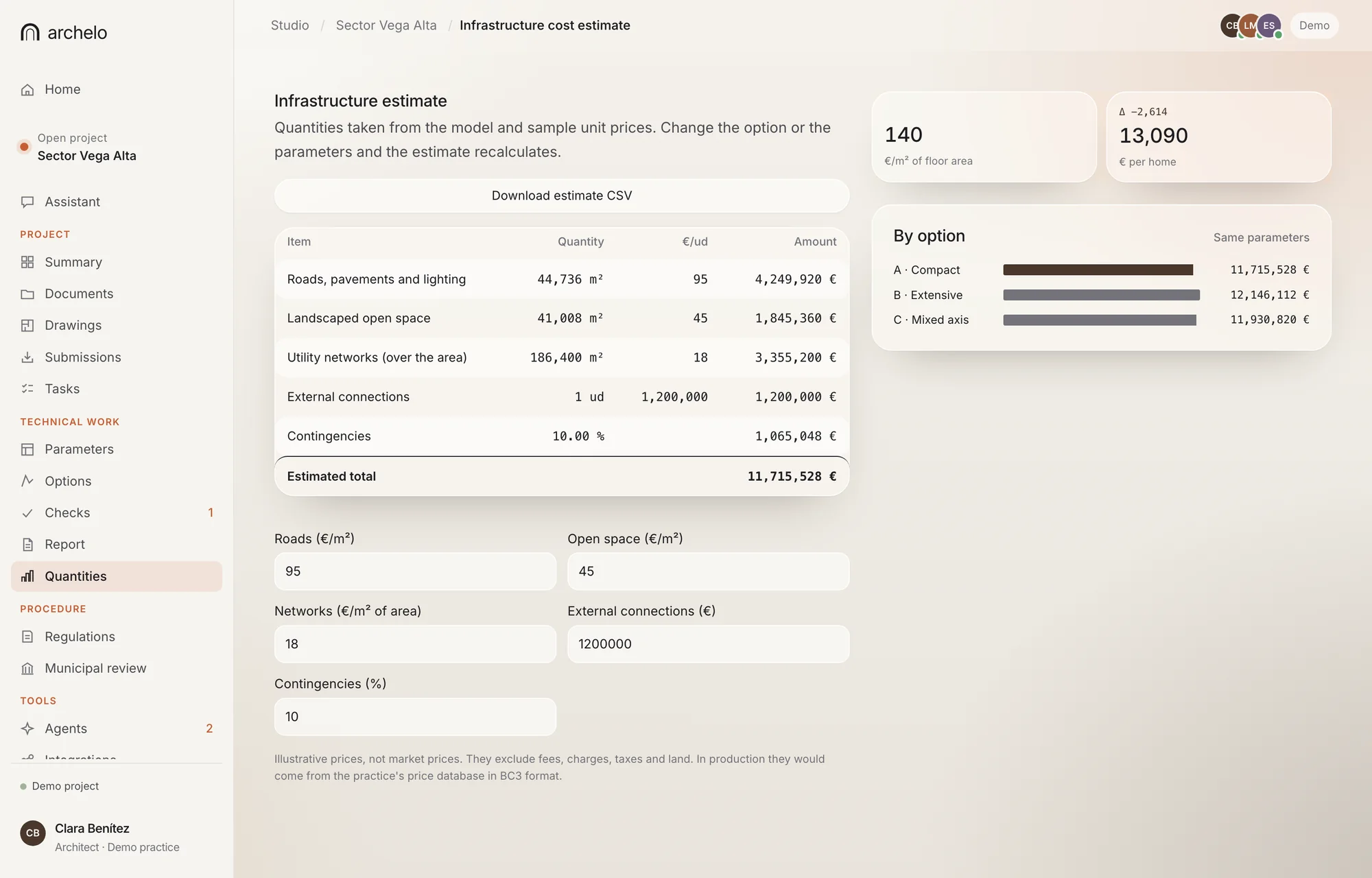
Real app view · Demo case
Three layouts. Three infrastructure costs.
In the demo local plan, changing the layout moves the infrastructure cost by more than €430,000. Archelo calculates it with the same quantities and rates for all three options.
- ACompact
€11,715,528
- Open space
- 22 %
- Roads
- 24 %
- Height
- G+6
- BExtensive
€12,146,112
- Open space
- 14 %
- Roads
- 30 %
- Height
- G+3
- CMixed axis
€11,930,820
- Open space
- 18 %
- Roads
- 27 %
- Height
- G+8 landmark
Fictional Vega Alta case, Málaga · Sample prices, not market rates.
What each item includes and where its rate comes from.
A useful estimate specifies quantities, quality and scope, and tests its rates against tenders and local costs at the time of construction.
- 01 / Quantities
Take off quantities.
Link elements and quantities from the drawing or model to cost items, and catch changes that require a re-measure.
- 02 / Rates
Check where each rate comes from.
Source, date and scope of every rate, with the assumptions and exclusions used.
- 03 / Scenarios
Compare before you choose.
Material, system and quality options with their differences in cost and scope.
- 04 / Tracking
Track deviations.
Compare the estimate, tenders and actual costs to understand deviations as the project develops.
Adjust quantities or rates and compare the result.
Fictional, editable values that show the calculation. They are not market prices or an estimate for your project.
| Chapter | Unit | Quantity | Unit rate | Amount | Share |
|---|---|---|---|---|---|
| Demolition | m² | ||||
| Masonry | m² | ||||
| Building services | m² | ||||
| Finishes | m² | ||||
| Doors and windows | no. |
Example scope: five work chapters. Excludes land, fees, taxes, financing and VAT.
- Subtotal
- Contingency
- Per m² of floor area
- Scenario total
An early estimate is a hypothesis. The real cost is tested against tenders and construction.
In your workflow
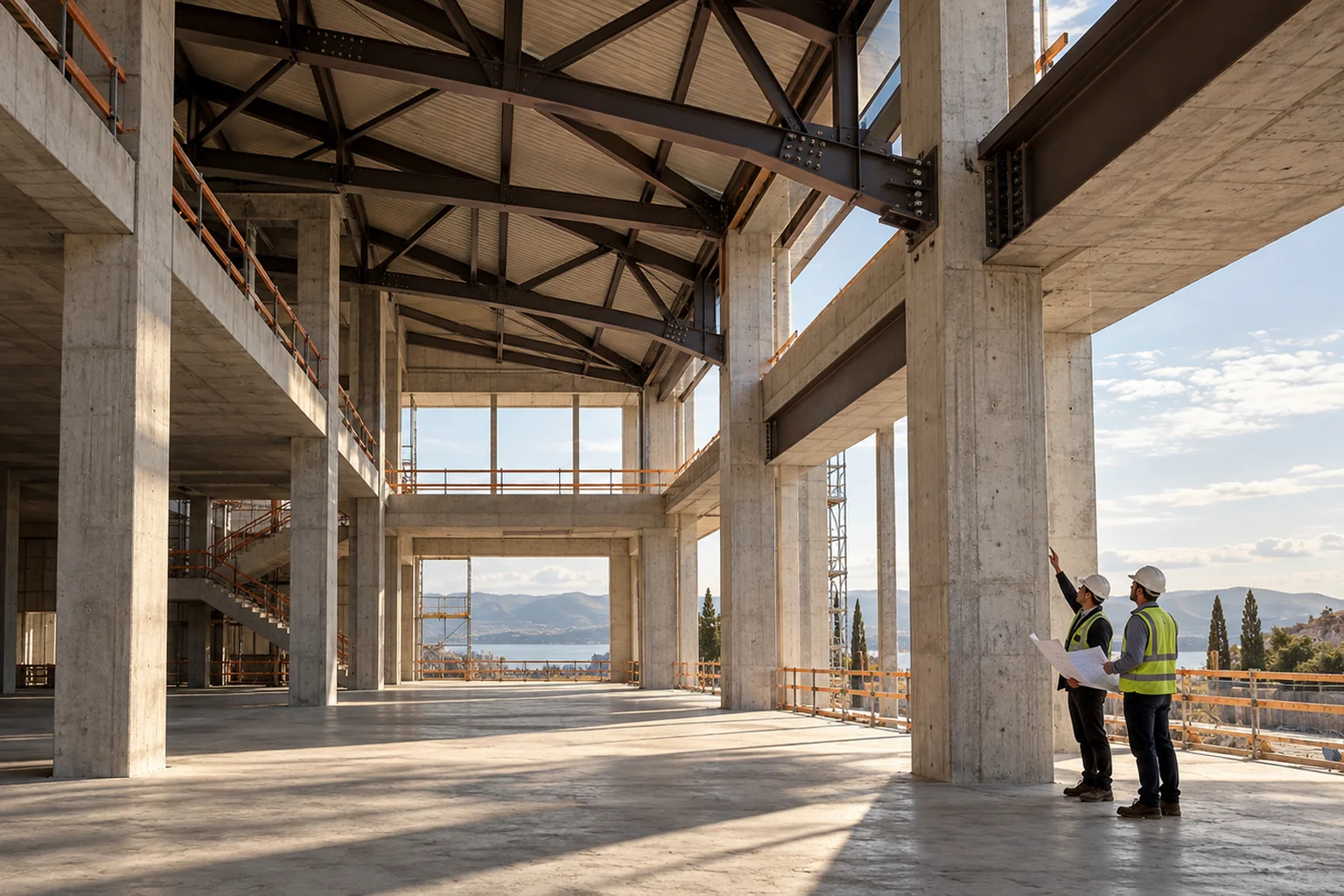
Reuse the quantities in your drawings and models.
CAD, BIM, Excel and BC3 let you exchange geometry, quantities and cost items. Archelo’s compatibility is defined per format, version and scope.
See the integrationsPilot programme
Try Archelo on a real estimate.
We are looking for practices and technical teams to test Archelo on real cases.